Build an MCQ test, share one link on WhatsApp or email, and students submit it without logging in. Every answer is graded automatically and the results come straight back to you.
Use it on its own — or with the full Ellifo ERP
1-Month Free Trial · No credit card required
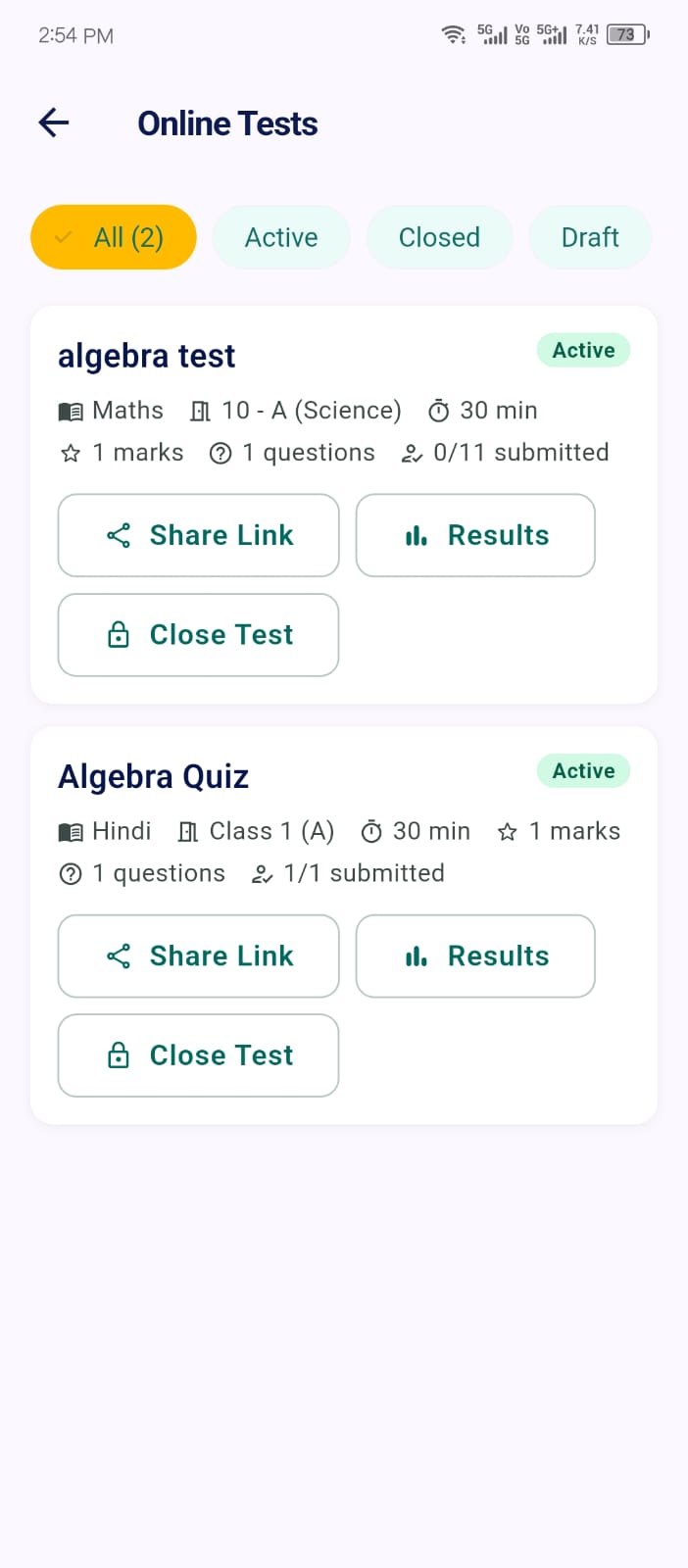
Pick the class and subject, add MCQ questions with marks, and set the duration in minutes.
Copy the link and send it on WhatsApp, email or your class group.
Students open the link, enter their name, email and phone, and start the timed test.
Each submission is scored instantly and appears in your results list, highest score first.
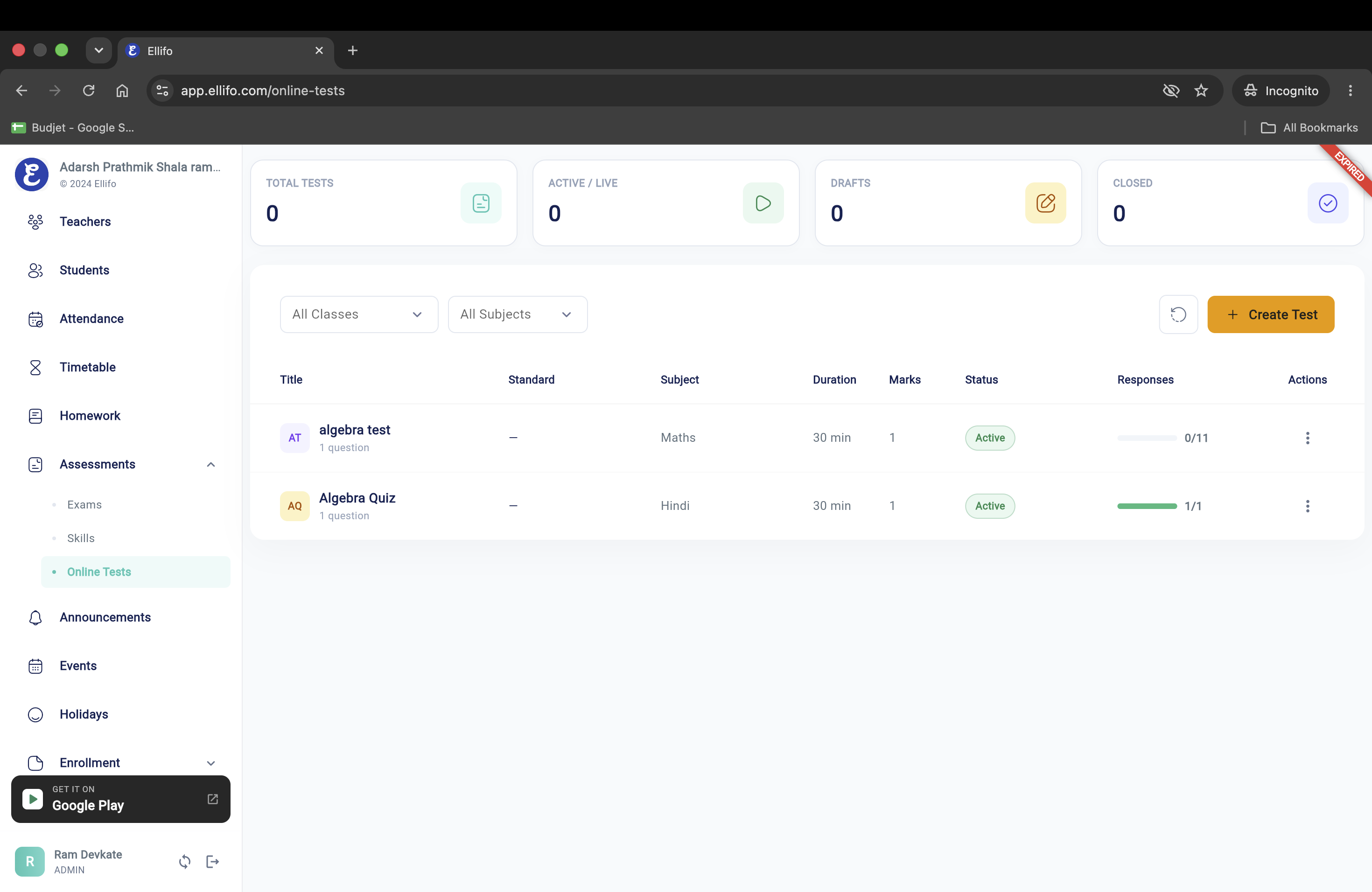
See total, live, draft and closed tests at a glance. Filter by class and subject, track responses, and create a new test in one click.
You don't have to switch your whole school to Ellifo. A teacher or coaching tutor can use only the online test feature — and grow into the full ERP later if they want.
Built for class tests, unit tests, practice quizzes and coaching test series — quick to create, easy for students to take.
Single-correct multiple-choice questions with as many options as you need.
Set marks for each question; the total is calculated for you.
Set the duration in minutes. When time runs out, the test submits itself.
Write equations with LaTeX and see a live preview while you type.
Reuse questions from your earlier tests in the same subject.
Add an explanation to each question for your own reference — students never see it.
Each student account or email can submit a test only once.
Publish when ready. Close the test and the link stops accepting answers.
Students see their score the moment they submit; you see everyone's.
Students just tap the link you shared. Perfect for tuition batches, coaching test series and parents' phones.
Works in any phone or computer browser — no app, no password.
First name, last name, email and phone, so you know who submitted.
A countdown timer, a question palette and "mark for review".
Auto-submits when time is up. Score shown instantly.
Every submission, graded and sorted by score.
Illustration · Name, type, status, score and submission time for every attempt
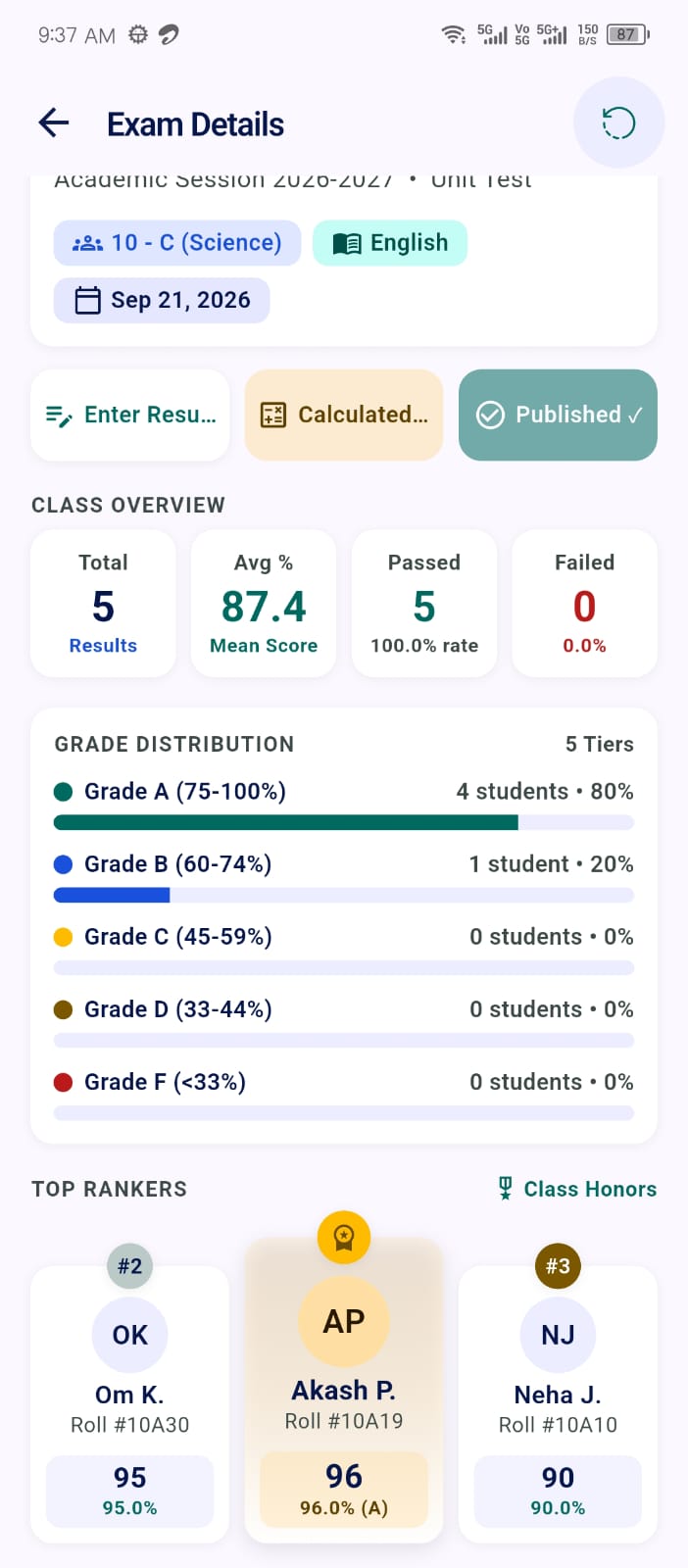
Create your test on the web, then run it from anywhere with the Ellifo app.
No. Students open the shared link in any browser, enter their first name, last name, email and phone, and take the test. Students who already have an Ellifo account can also take tests inside the app.
Yes. Sign up, add a class and a subject, and you can start creating tests and sharing links. You can switch on other modules later if you need them.
Multiple-choice questions with one correct answer, marks per question, and optional math formulas using LaTeX. You can also reuse questions from your earlier tests in the same subject.
Automatically, the moment a student submits. Each correct answer earns the marks you set, and the total score is shown to the student and saved in your results.
No. Each student account — or each email address for guests — can submit a test only once.
Close the test from the web dashboard or the mobile app. The link then stops accepting new attempts.
Students see their score after submitting. Correct answers and your explanations are not shown to them.
We'll set up your first test with you and show you how the share link and results work.
Tell us your student count and how you run tests today. We'll show you exactly the Ellifo features that matter to you.
Prefer to try it yourself?
